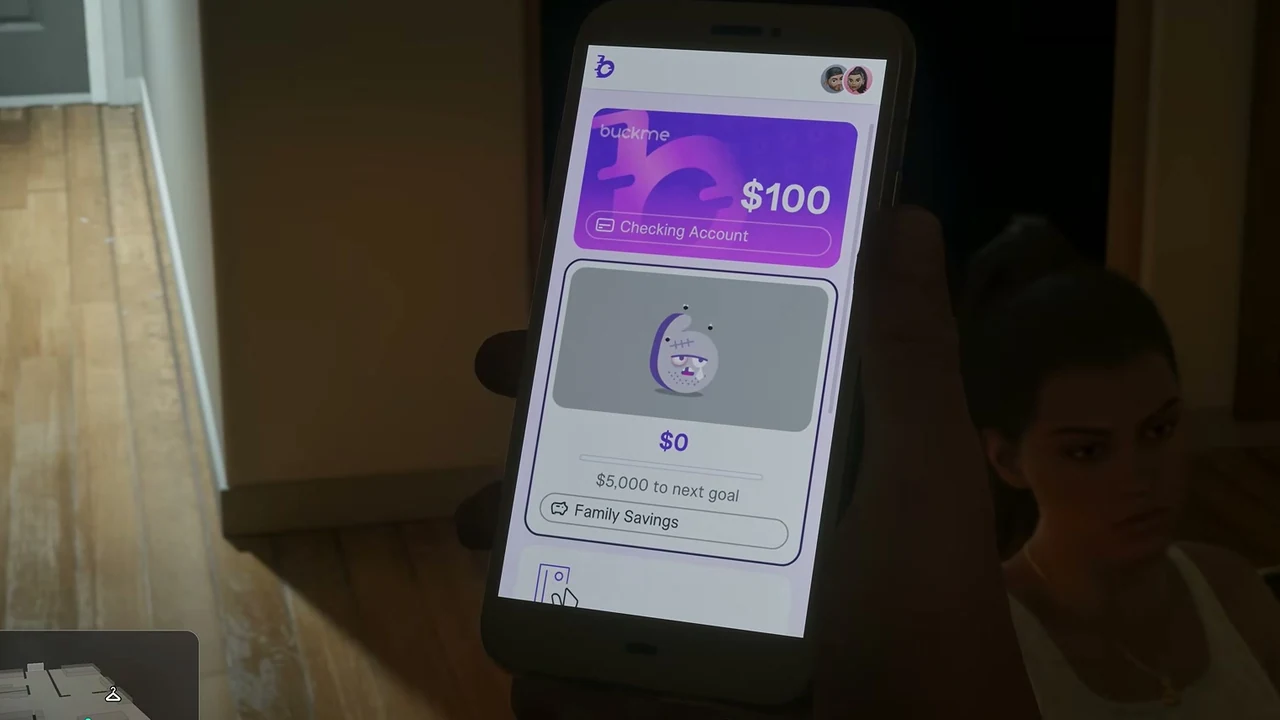
Unlock BuckMe in the Buck Me mission. Deposit pocket cash into Checking at an ATM. Use Buck Yourself in the app to transfer money to Family Savings. That transfer is permanent.
How to unlock BuckMe
After Coming Home, follow Set Up Bank Account to the Fleeca branch in Key Lento. Back at home, press Up on the D-pad and open the purple BuckMe app. The tutorial puts $100 in Checking and asks you to transfer it. Follow our Chapter 1 walkthrough if the objective hasn’t appeared.
How to deposit and transfer money
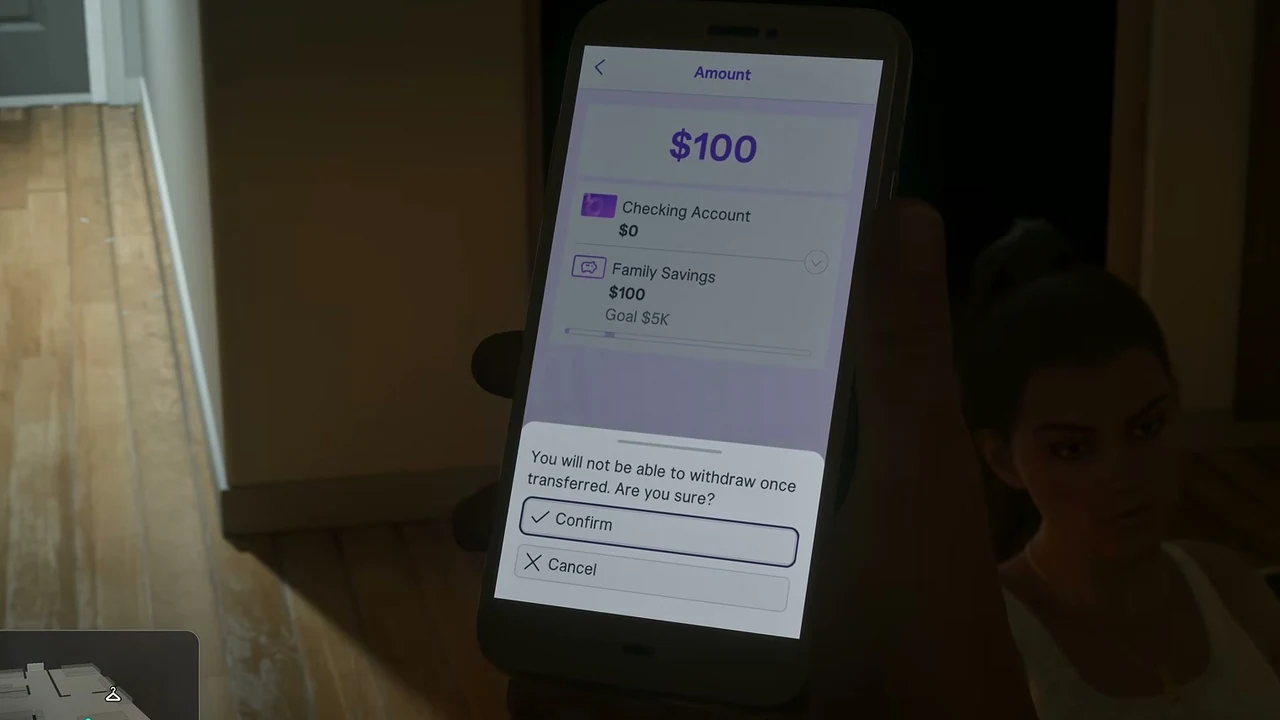
To deposit pocket cash, use ATM Finder to mark a machine and select Deposit when you arrive. To move money from Checking into Family Savings, open Checking Account on the phone, choose Buck Yourself, enter the amount and confirm. You can withdraw funds from Checking at an ATM.
Can you withdraw savings? What if the account is full?
The confirmation screen warns that money moved to Family Savings cannot be withdrawn. Keep enough in Checking for purchases and payments. Rockstar says both account limits rise as you progress through the story. If Checking is full, pending payments are processed when the upgrade unlocks. See how to make money by chapter to fund the next goal.
Cover screenshot · Rockstar Games / GTA Series Videos