Quick answer
Pause and press Square on PS5 or X on Xbox to open Photo Studio. You can reframe the scene and place lights for your shot.
A quick test with a car
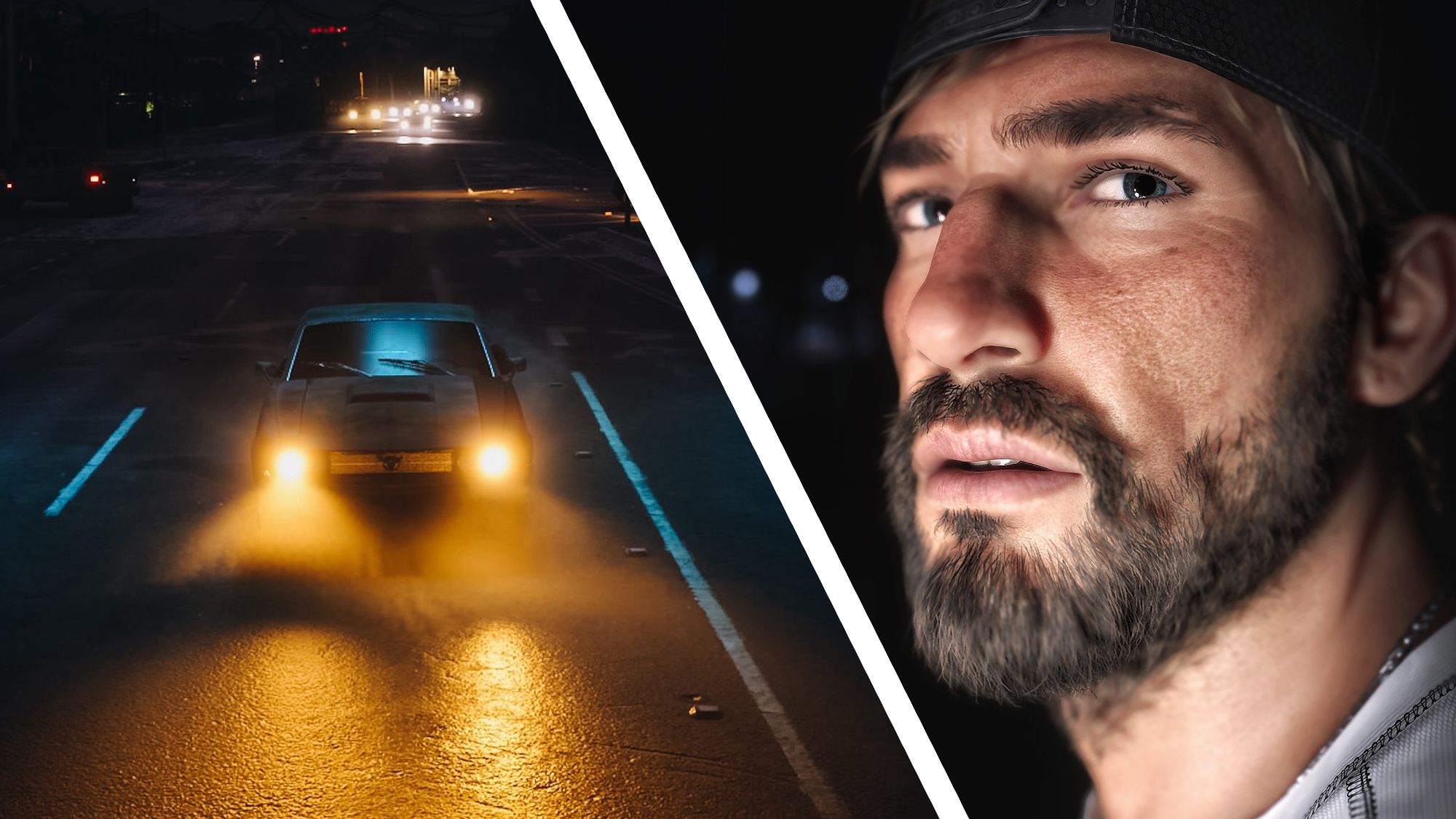
Stop somewhere safe in the game and open photo mode before moving the car again. Pull the camera away from the vehicle to try a different angle. Documented scene controls include headlights and turn signals.
How to make the subject stand out
Start with one light. Put it to the side to separate the subject from the background and set its strength before adding a filter. If a reflection hides the car’s details, dim the light or move it. You can work on framing and lighting separately.
Related guides
The Tampa bridge and Lakeland landmarks players recognised in GTA 6 · Vehicle directory